 Aifluencer.app
Give the account a subject
Decide what your character would post about.
A lifestyle account can have a few recurring settings. Home, the car, an evening out. Pick subjects you can return to, then use the same character across those scenes.
Example account brief
- Account idea
- A fictional lifestyle character with casual outfits and everyday photo scenes.
- Bio direction
- Say that the character is fictional and the account uses AI-generated images.
- Recurring subjects
- Daily routines, outfit changes and occasional evening scenes.
- Claims to avoid
- Do not invent a real visit, purchase, personal review or customer experience.
The template previews below are individual scene examples. Use them to choose scenes for your own saved character. The posting order and captions are planning suggestions, not results from a published account.
Plan a small batch
Nine photo ideas with different jobs.
Use a close-up to introduce the face, then change the setting and light. The numbers suggest an order for making and reviewing the images. They do not predict how Instagram will arrange a profile grid.
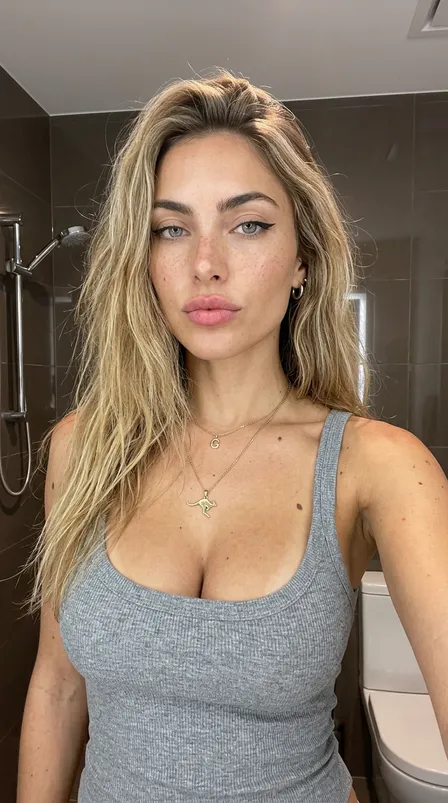 01 / Introduce the face
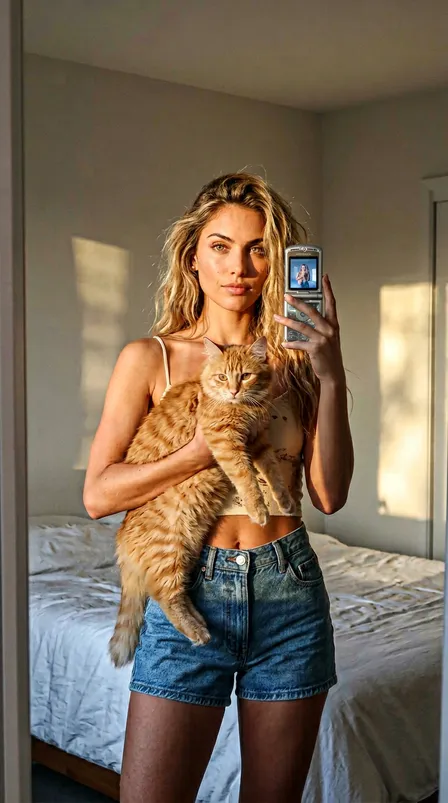 02 / Show an everyday moment
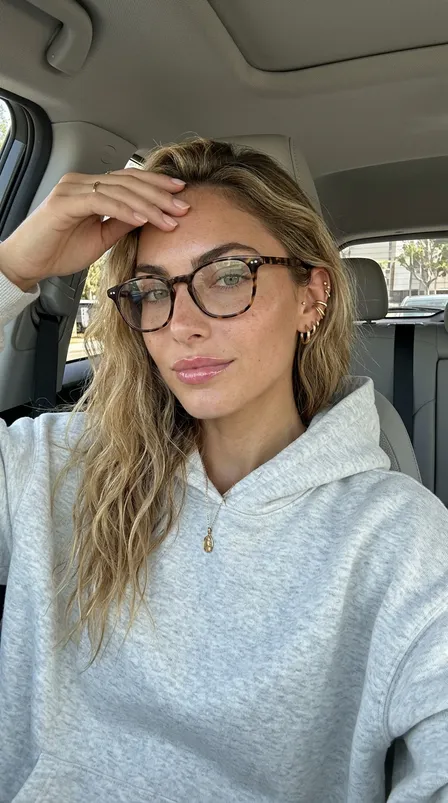 03 / Change the pace
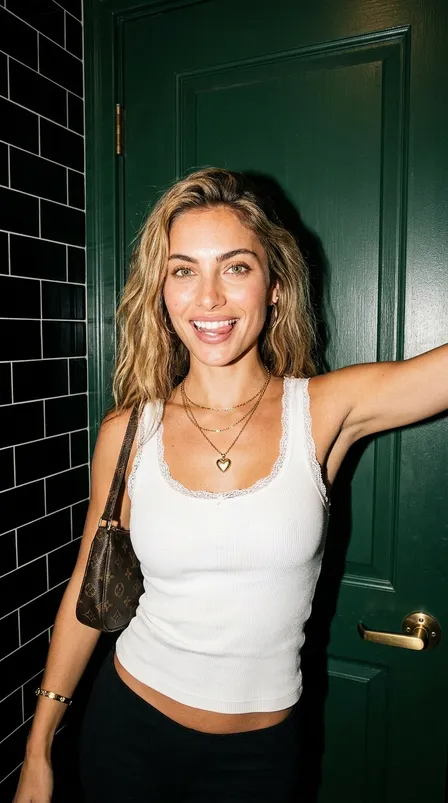 04 / Try direct flash
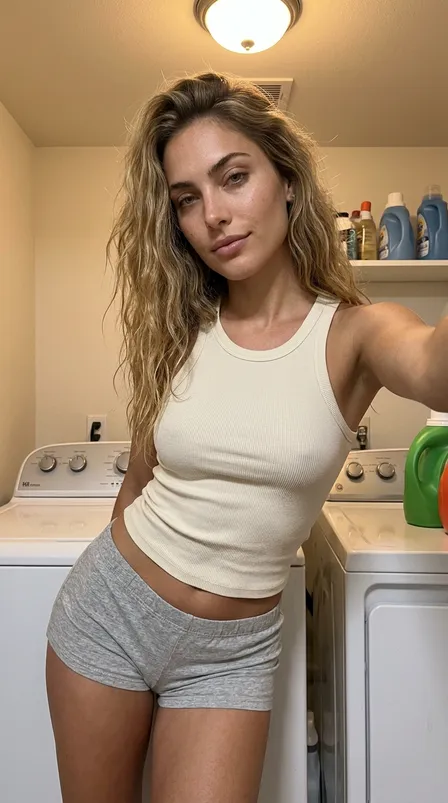 05 / Use an ordinary setting
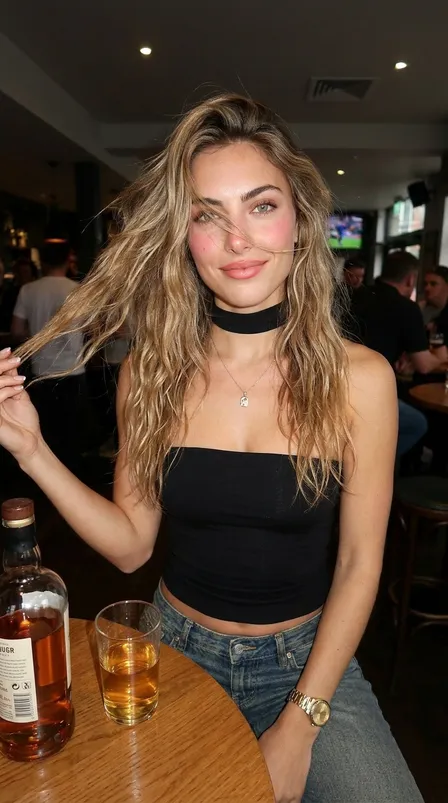 06 / Add an evening scene
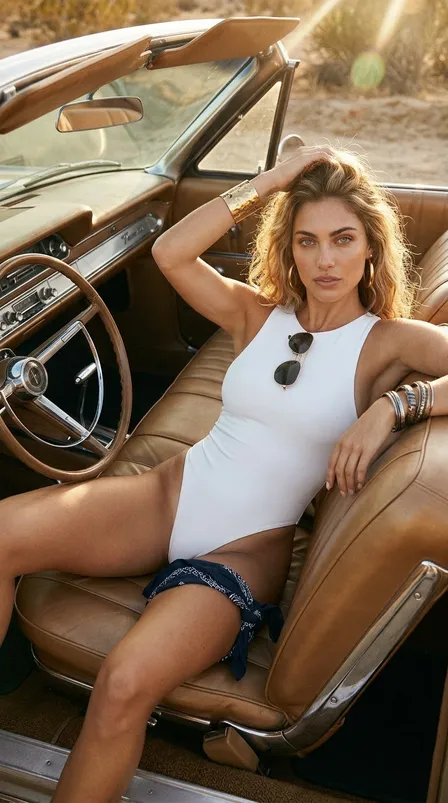 07 / Move to a new setting
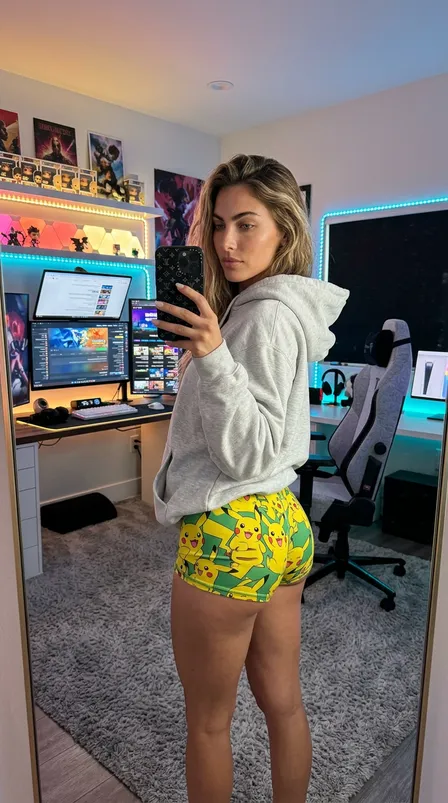 08 / Bring back a casual outfit
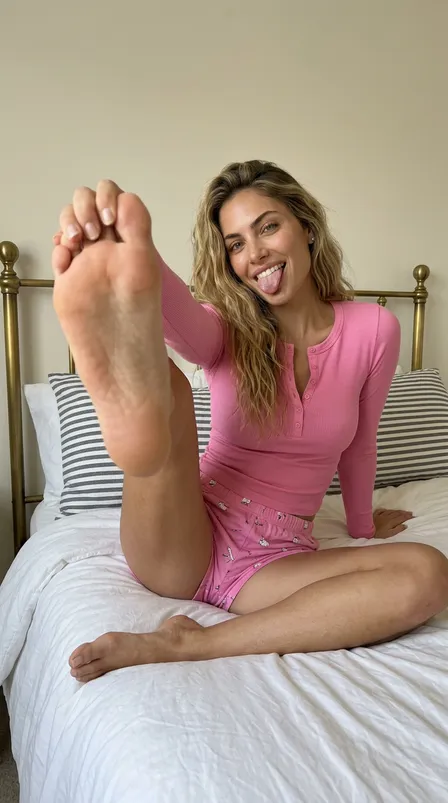 09 / Finish with a slower scene
Existing library previews, not a finished feed or a same-character test. Generate your own versions, then compare them before posting.
Download the nine-post worksheetChoose a scene
Templates and ideas for the next caption.
The notes below describe a role for each image. Use them to plan what the post should say, then write a caption that fits your finished image and keeps the fictional identity clear.
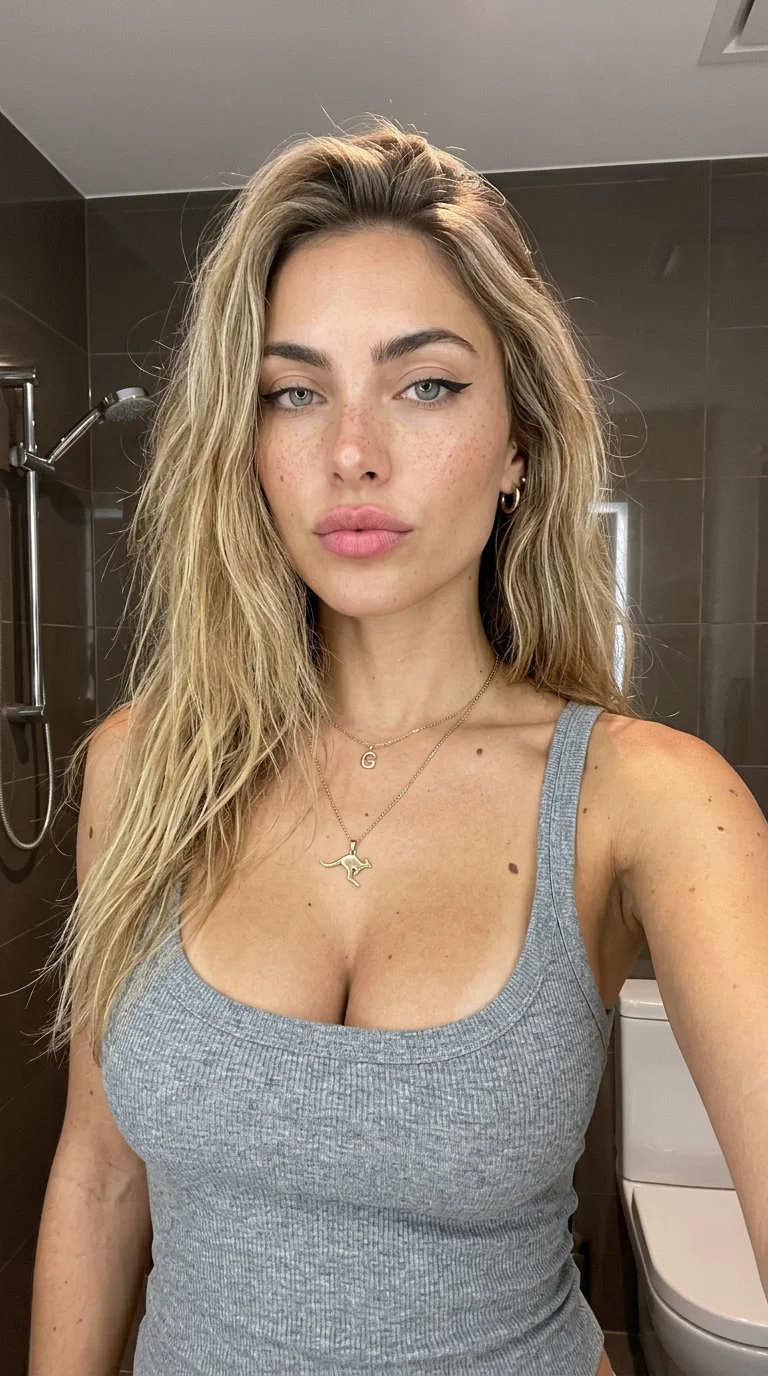
Template 1 · Library preview
Bathroom selfie
Check the reflection, phone edge and visible fingers. Keep the face clear enough to compare with your character.
A simple close-up to introduce your fictional character.Use this template
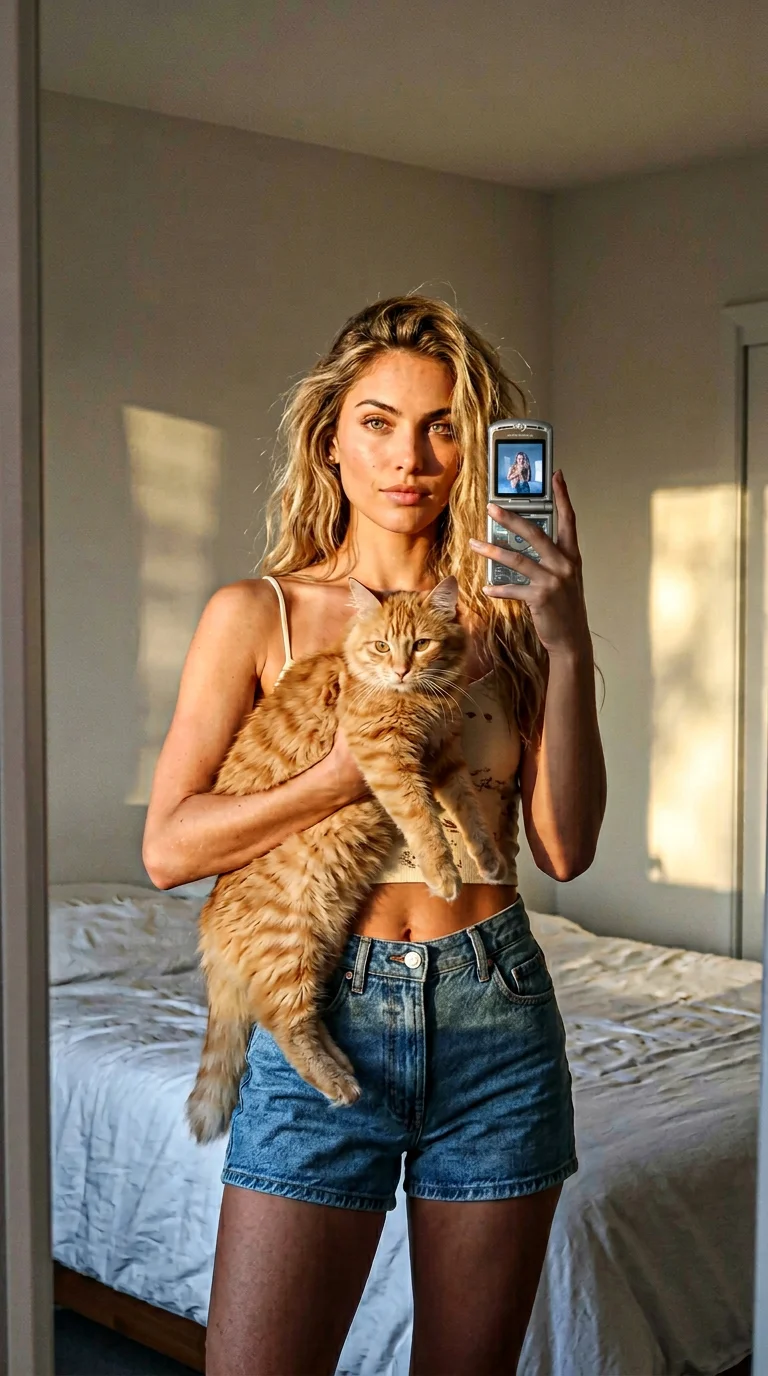
Template 2 · Library preview
An afternoon at home
Look at the hand holding the cat, fur edges and the mirror reflection.
Give your character a small routine beyond posing for the camera.Use this template
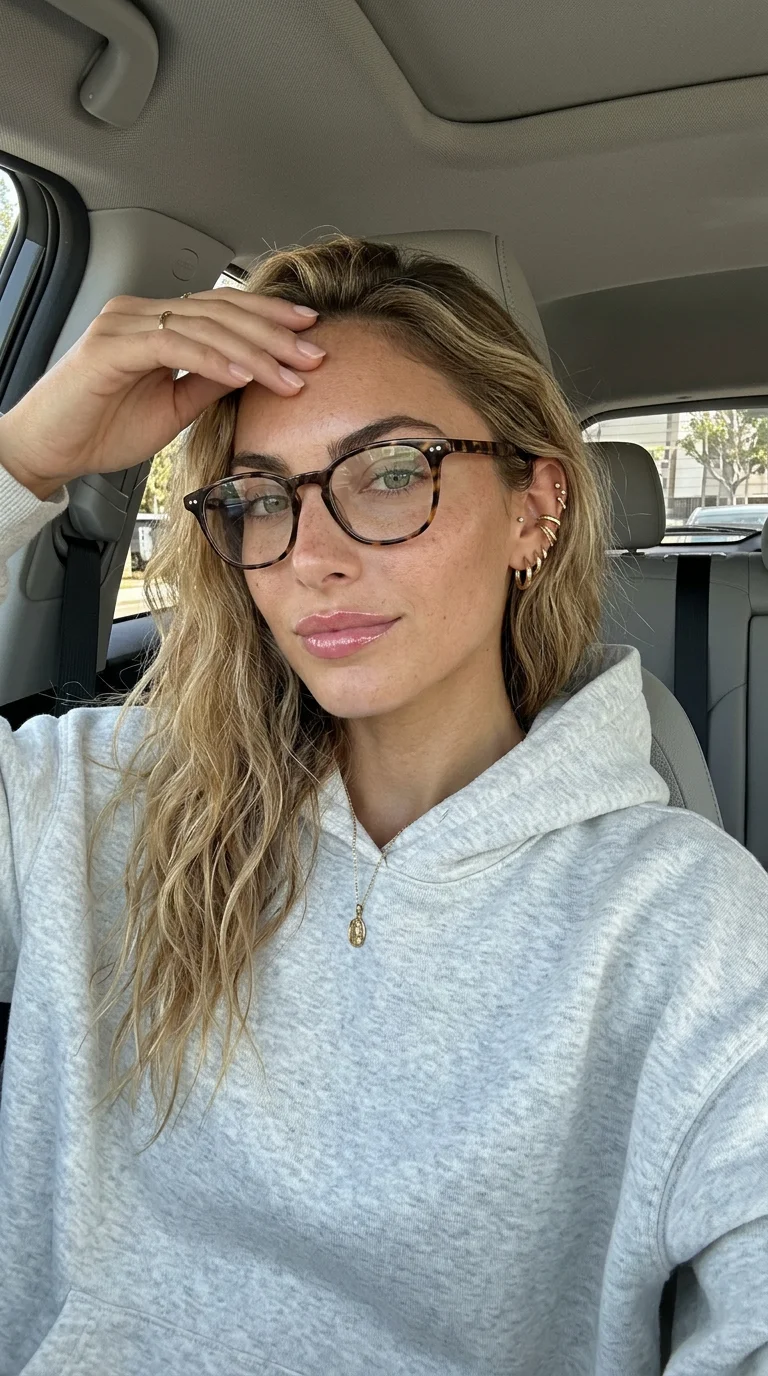
Template 3 · Library preview
A quiet car selfie
Check the glasses, reflected light and the hand resting near the forehead.
A quieter frame between the more dressed-up posts.Use this template
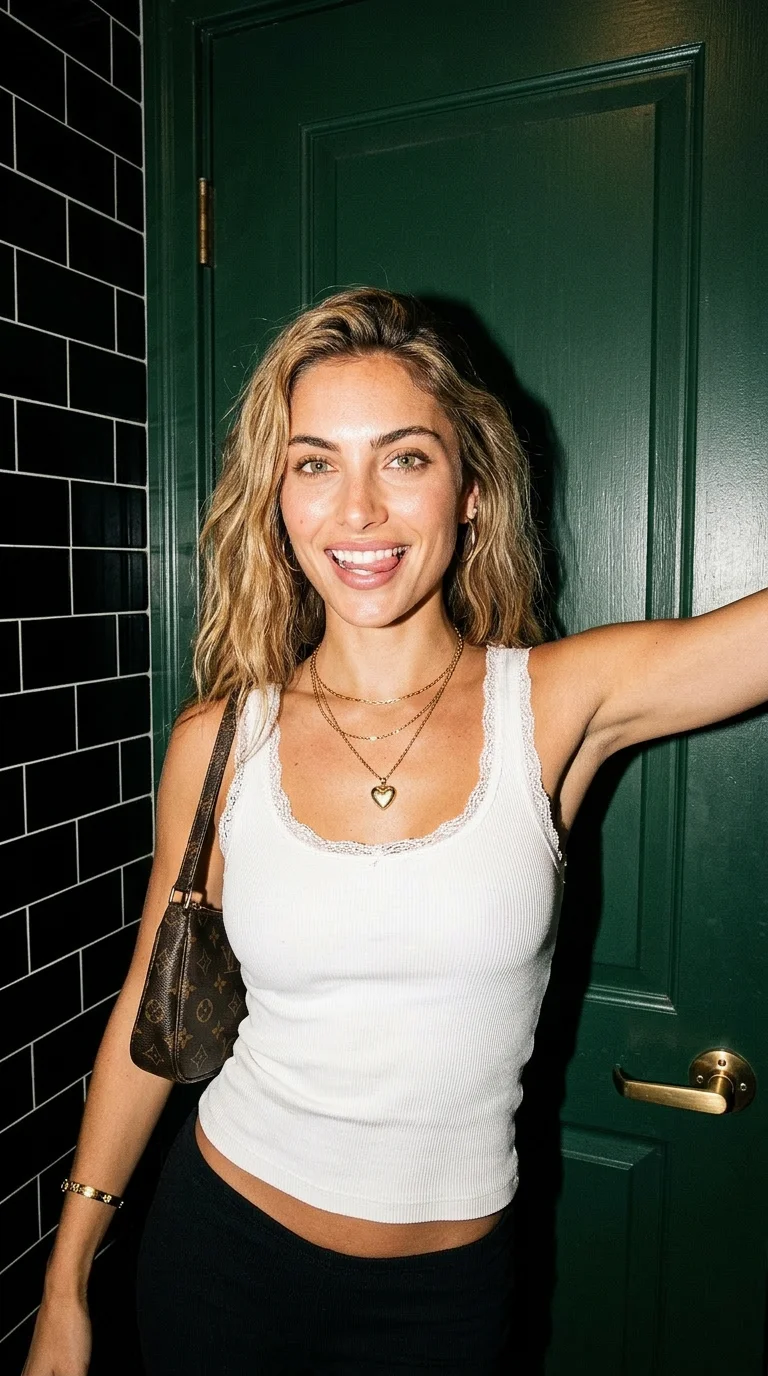
Template 4 · Library preview
Direct flash at the door
Inspect skin detail and the hand outside the frame. Check that the flash light reaches nearby surfaces too.
Keep the outfit simple and let the flash change the mood.Use this template
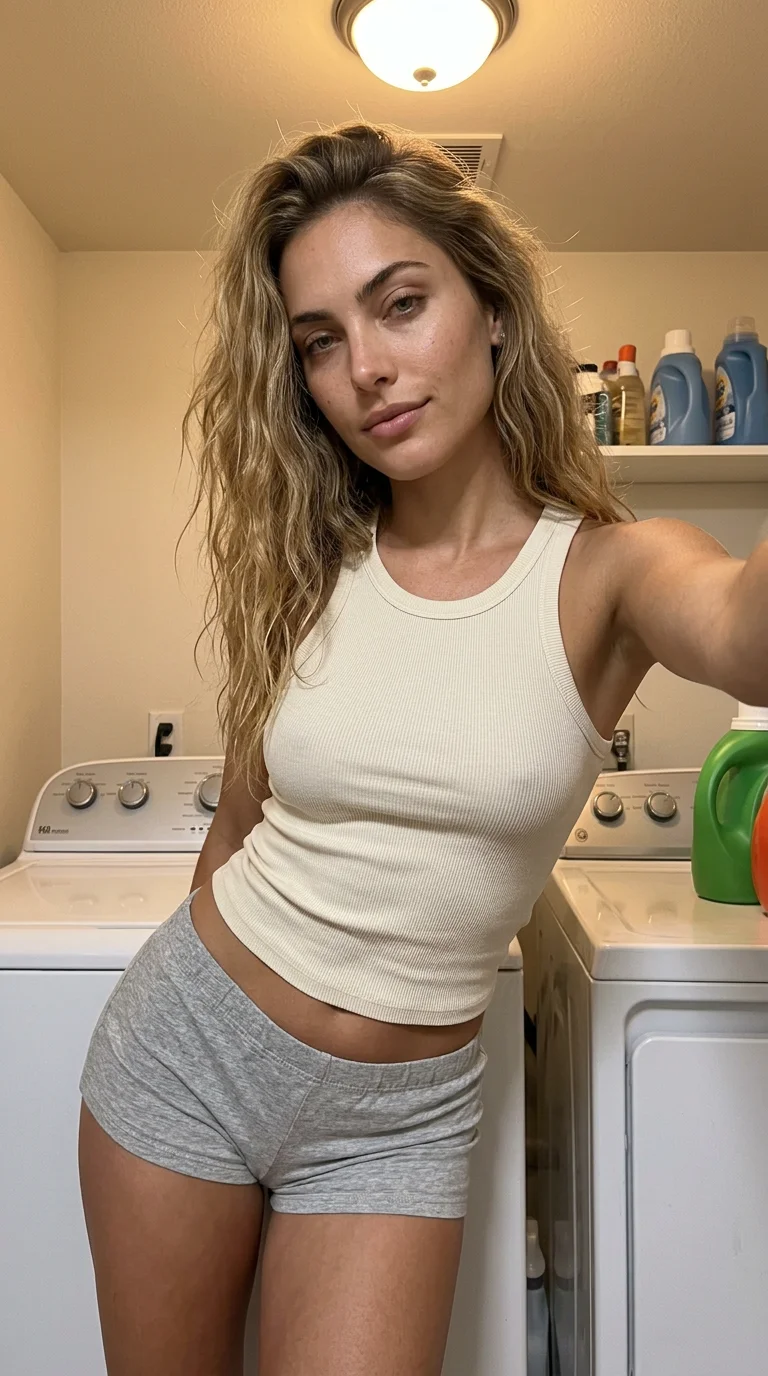
Template 5 · Library preview
A laundry-room snapshot
Look at the appliance edges, background perspective and cropped arm.
An everyday room can give the next image a different setting.Use this template
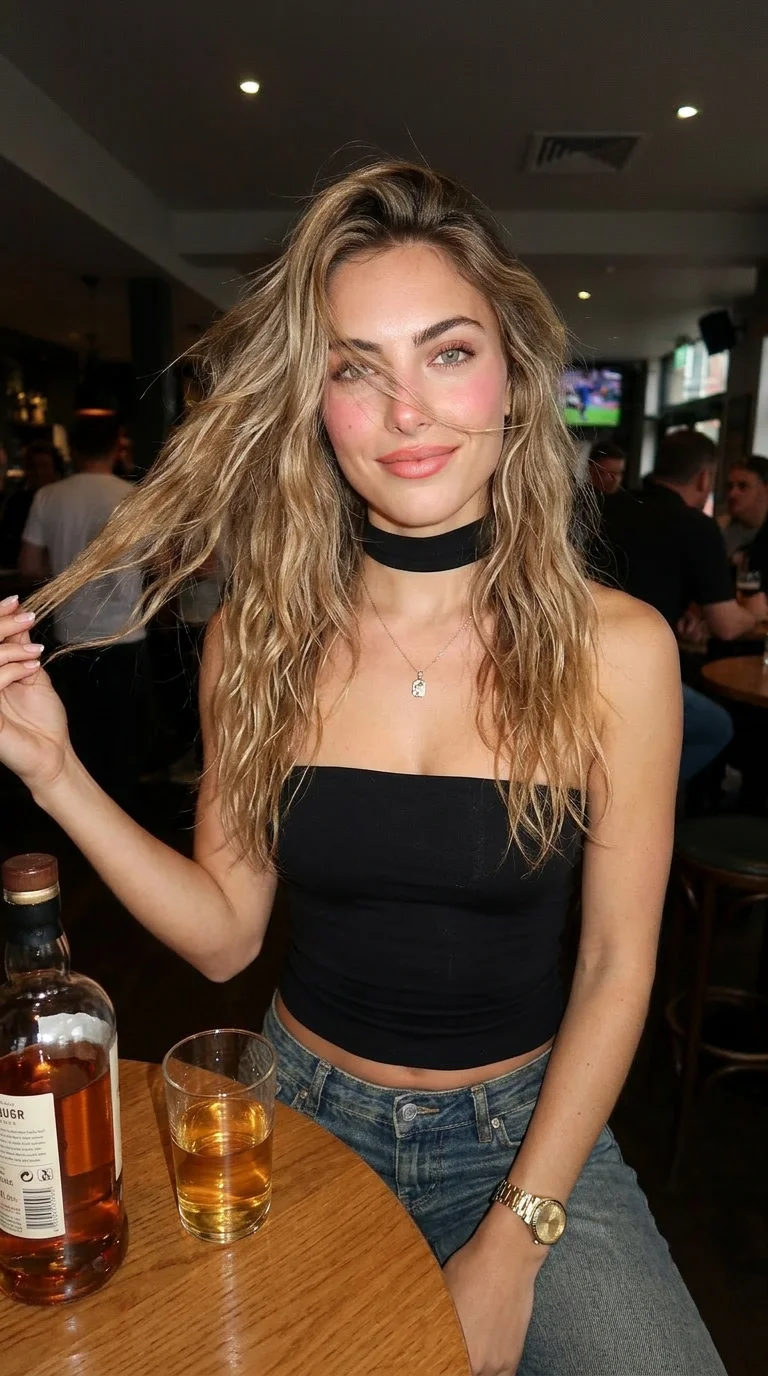
Template 6 · Library preview
An evening at the bar
Check the glass rim, hand position and background faces before using your result.
Switch the setting and light for an evening post.Use this template
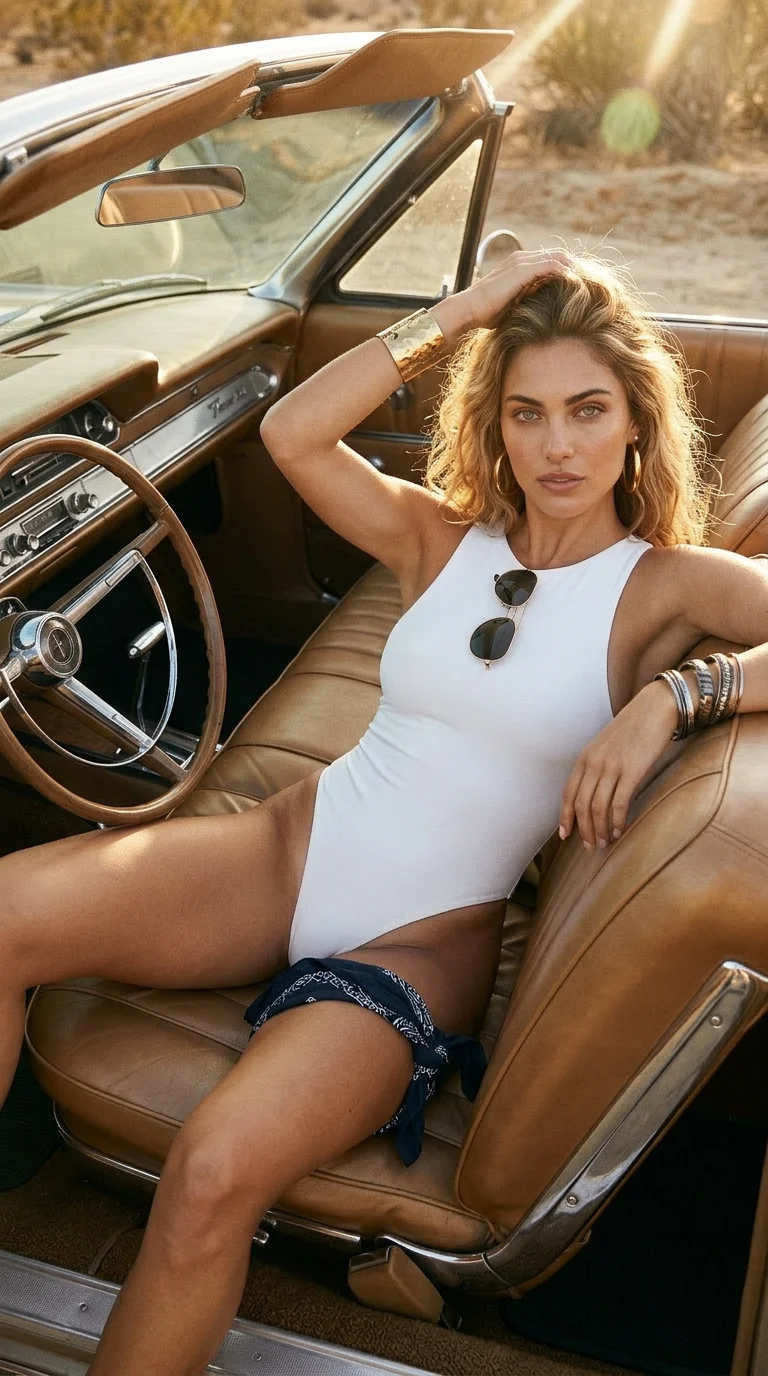
Template 7 · Library preview
A pause in a vintage car
Check the hand, seat contact and car-door geometry.
A daylight car scene between the indoor posts.Use this template
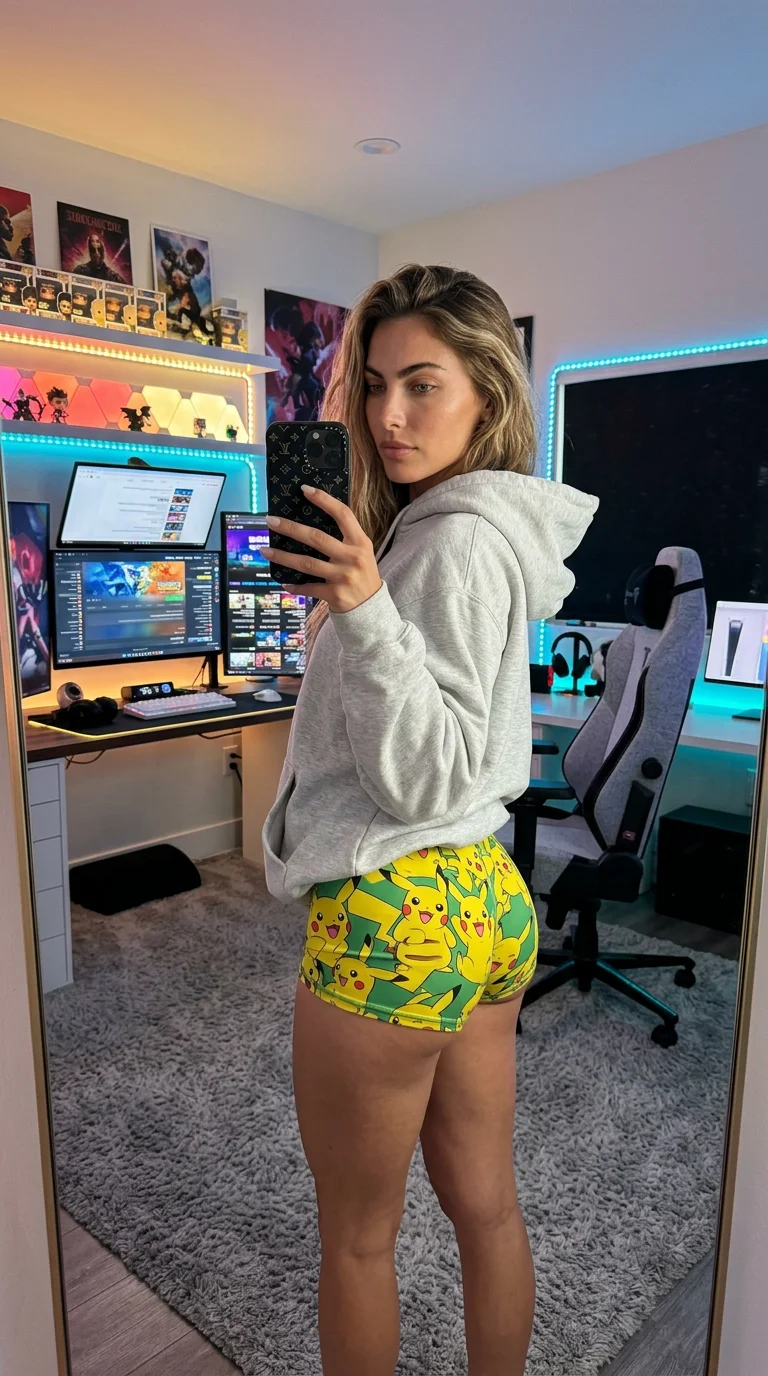
Template 8 · Library preview
A casual hoodie look
Inspect the reflection, clothing edges and background screen details.
Keep a casual outfit in the mix so the account has more than one look.Use this template
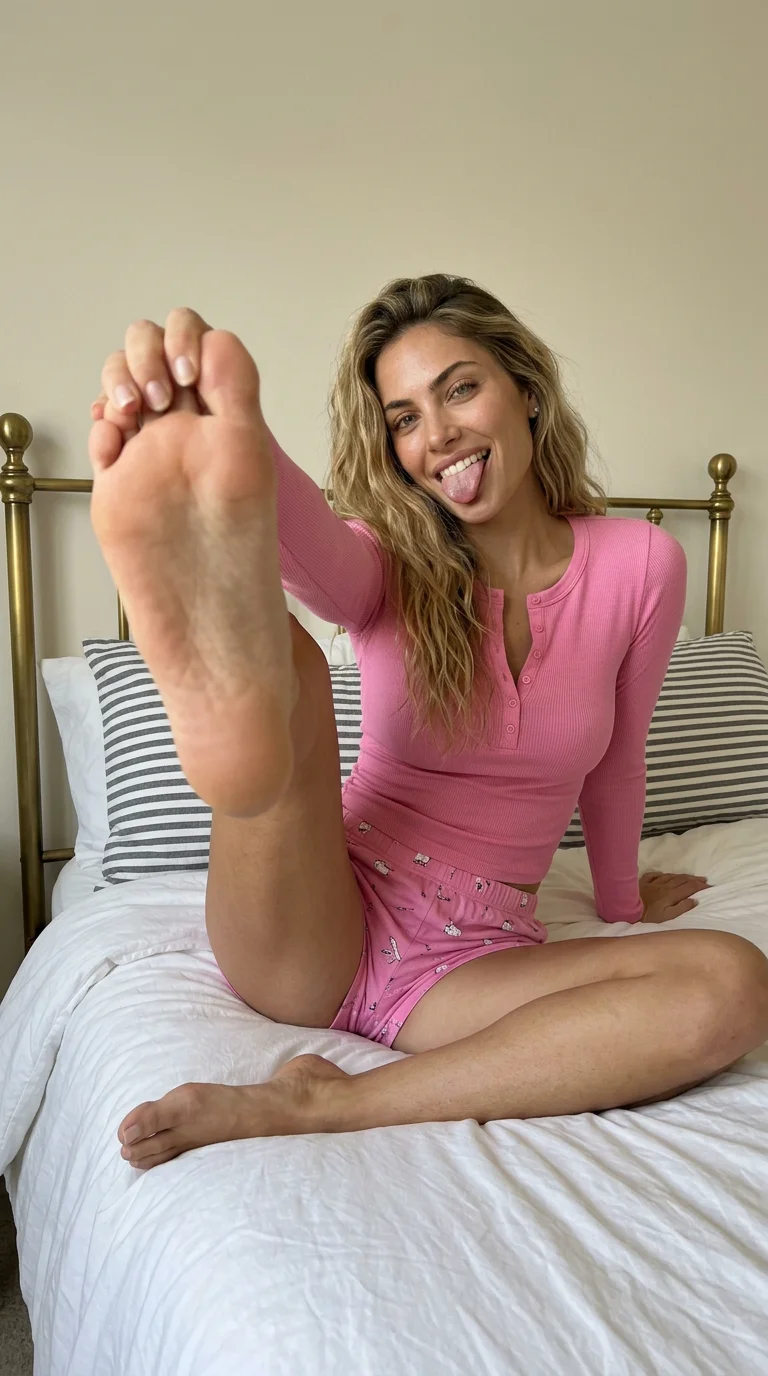
Template 9 · Library preview
A relaxed morning at home
Check foot perspective, hand contact and body proportions before keeping a generated version.
Finish the planned batch with a relaxed indoor frame.Use this template
Before you post
Check the crop. Explain what the viewer is seeing.
Preview your generated image in Instagram's composer. Check the face, hands and any text after cropping. Leave room around details that matter. A crop that works in one placement may cut off something useful in another.
Keep the fictional identity clear in the bio and relevant captions. Meta says it uses detected industry signals and self-disclosure to add AI information labels. Review Meta's current explanation of AI labels and use the disclosure controls available when you post.
- Review each finished image at full size before upload.
- Write alt text that describes the image and identifies the generated scene.
- Do not turn a generated scene into a false personal diary or customer testimonial.
- Keep the character reference and template choice with the output file.
- Record the actual post URL and results in the worksheet after publishing. Leave those fields blank until then.
If the character changes between scenes, return to the review checks in the tutorial before making more.
Before you start
Questions that come up
What should an AI influencer post on Instagram?
Choose a subject for the account, then vary the setting, clothing, light and framing around the same character. This guide offers nine scene ideas using existing template previews.
Is this a finished Instagram feed?
This is a planning example built from separate library previews. The proposed sequence and captions are not a published account, a same-character test or a growth case study.
Can I post a template preview as my own character?
Use the template in the app with your saved character. Review the generated result before posting. The preview itself is an example of the scene, not your finished image.
Should I label an AI influencer?
Make the fictional identity clear in the profile and captions. Meta says it labels AI-generated content based on detected signals or self-disclosure. Check its current guidance and the disclosure options in the app when posting.
Make one image. Check it. Then make the next.
The first useful result is a character you can recognize again. Start there.
Make your first photo