 Aifluencer.app
Choose the kind of photo you want
Start with an everyday scene.
A car selfie in a hoodie has a different feel from a polished studio portrait. Pick the photo you want to make before choosing the clothes and setting. The examples here come from the current Aifluencer template library.
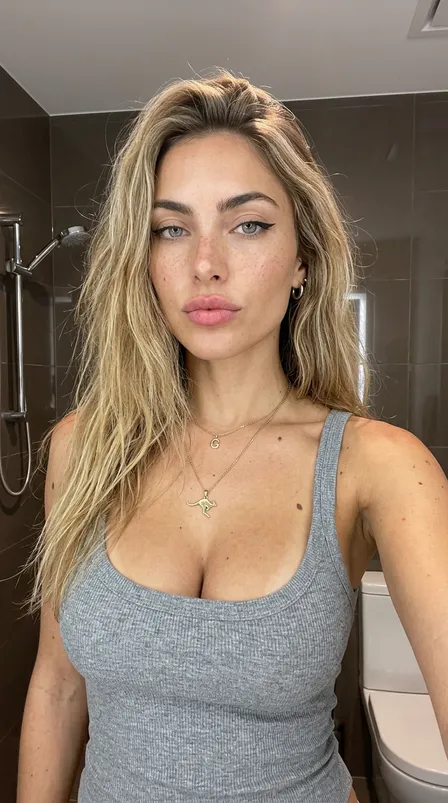
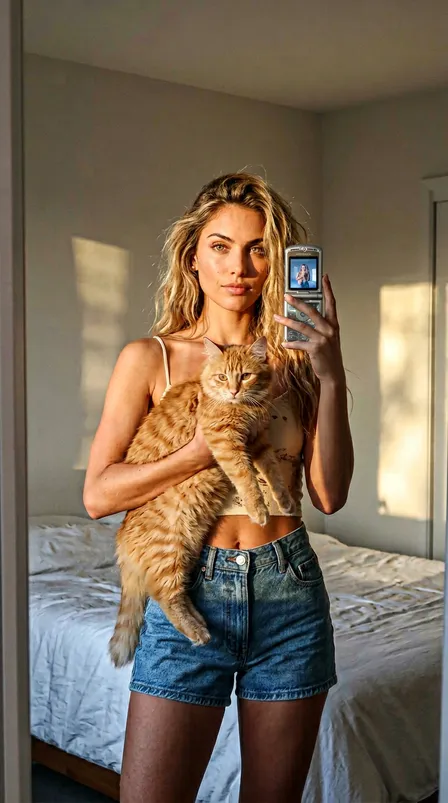
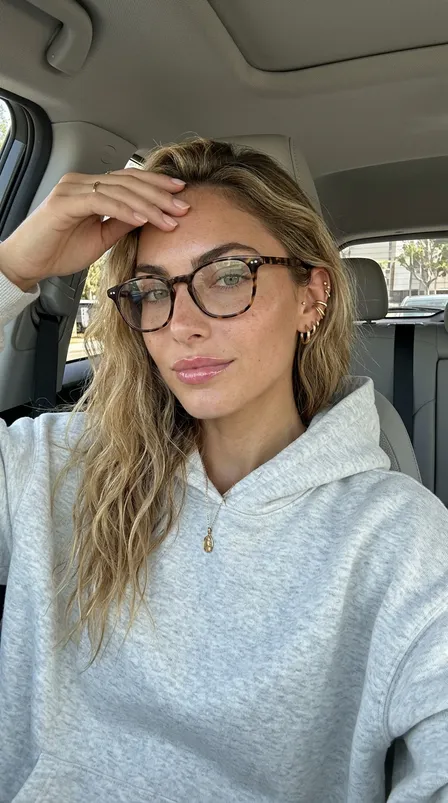
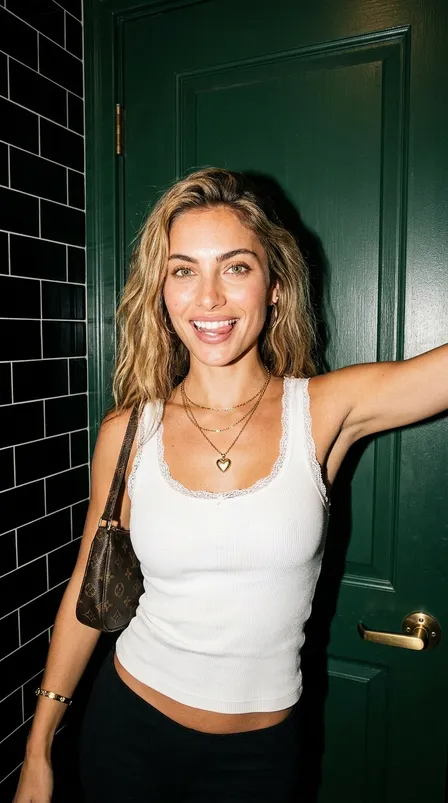
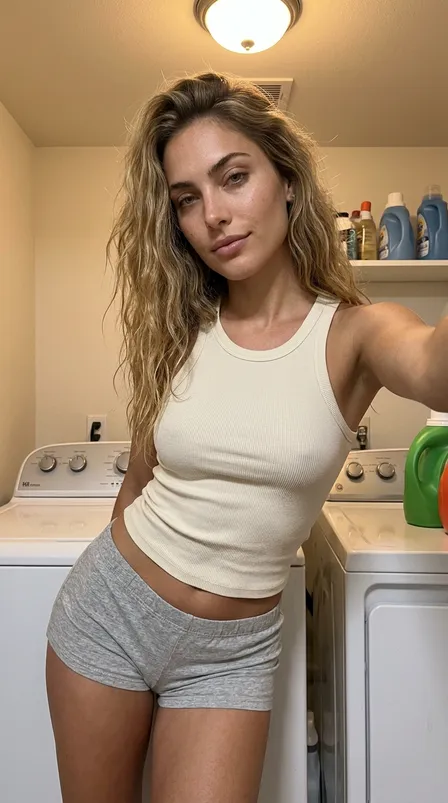
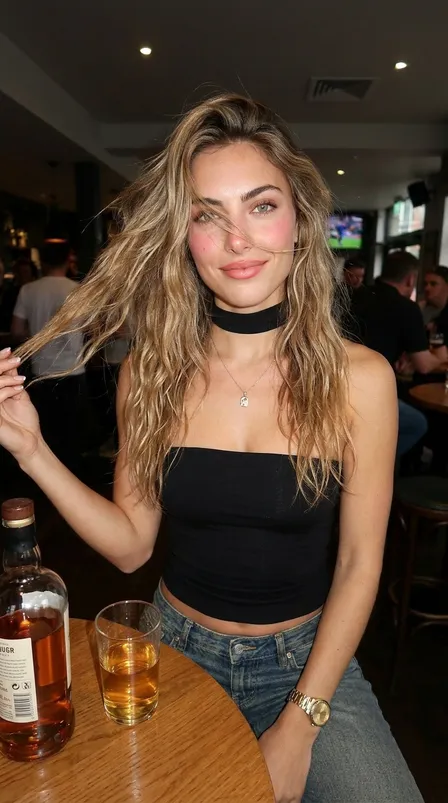
These are separate previews from the existing template library. They show scene options, not a same-character test or a promise that your result will match the preview.
01 / Save your character
Choose one identity and keep it.
Start with a fictional adult character or reference images you have permission to use. Choose a face you can recognize from more than one angle. Save that character before moving into scenes.
Keep the face, hair length and body proportions in view when you review a new image. Clothing and location can change. If the character starts looking like a different person, fix that before making a larger batch.
- Use a clear face reference.
- Keep the same saved character selected between scenes.
- Compare close-ups and wider shots before deciding the identity works.
02 / Use a template
Pick a scene, then bring in your character.
Open the library and choose a template that fits the image you need. A mirror selfie is useful for a close view of the face. A seated scene gives you a different pose. Make the choice about the photo, not how many effects you can fit into it.
Choose a template from the library
Select a preview to open it in Pose Studio. The template sets the scene you are starting from.
Select your saved character
Choose the identity you want to use. A library preview shows the scene idea. Your generated version still needs the character you selected.
Check the settings and charge
Choose the available output settings for your intended use. Read the current credit charge before you generate and leave room for retries.
Review the image before downloading
Check the face first, then the hands, reflections and contact with furniture. Keep the result only if it fits the character and the scene you wanted.
03 / Browse the scenes
Six templates to start with.
These previews use ordinary rooms, casual clothes and familiar camera angles. Each card includes a detail worth checking in your own generated result.
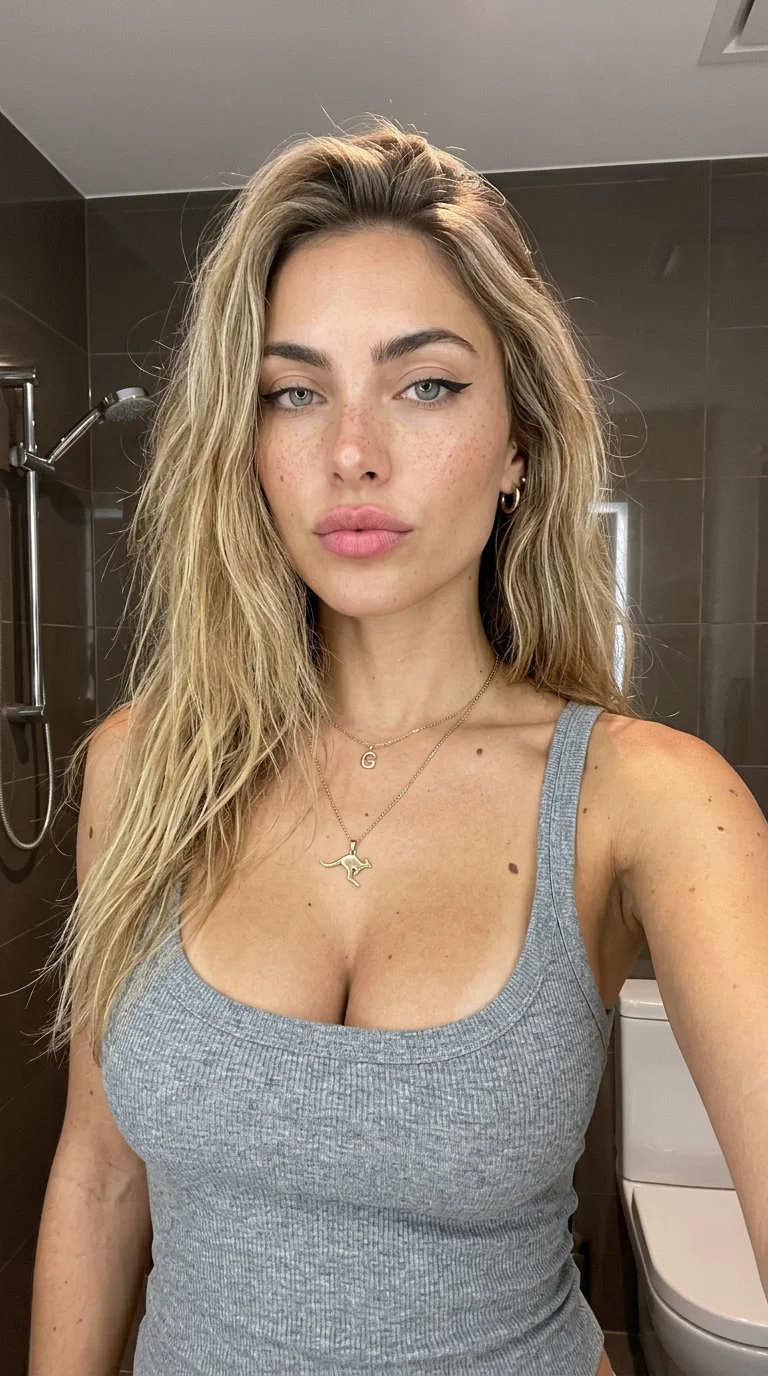
Template 1 · Library preview
Bathroom selfie
Check the reflection, phone edge and visible fingers. Keep the face clear enough to compare with your character.
Use this template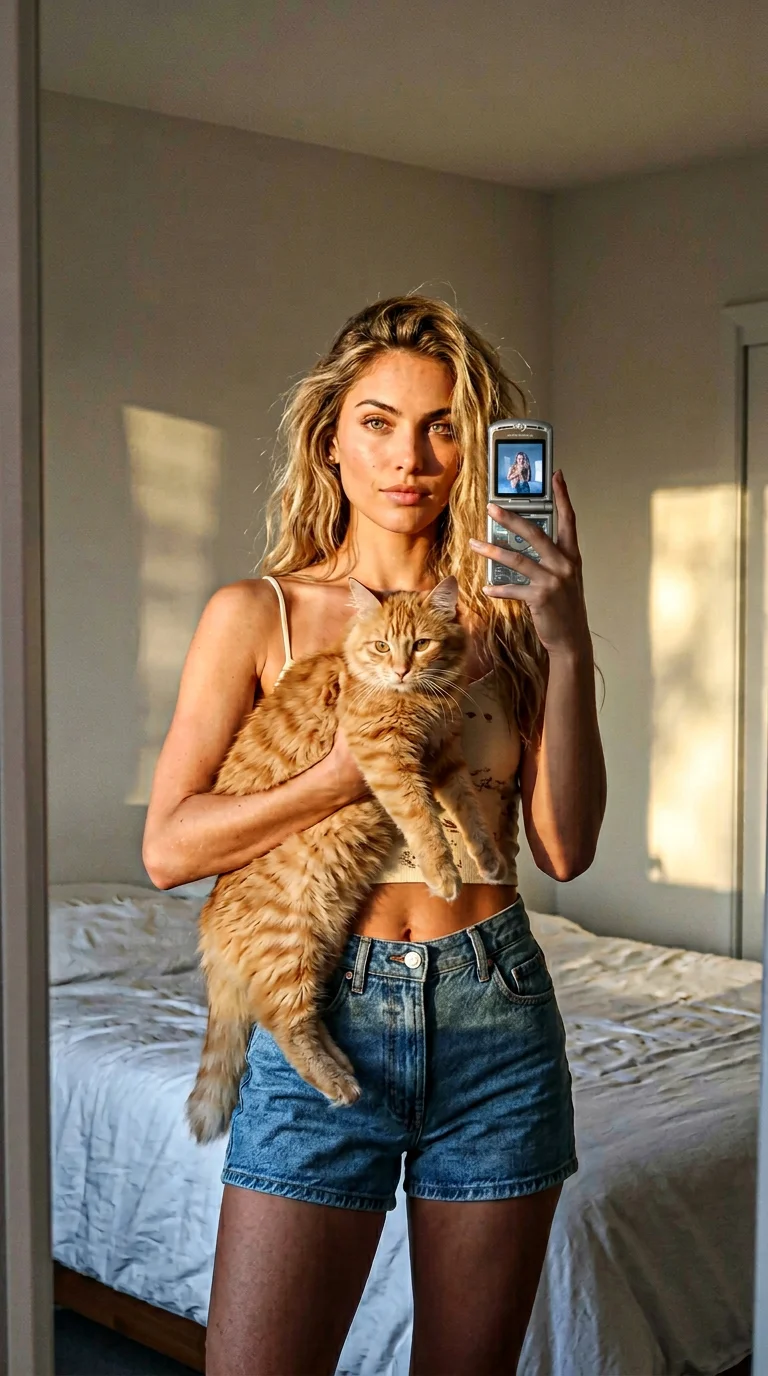
Template 2 · Library preview
An afternoon at home
Look at the hand holding the cat, fur edges and the mirror reflection.
Use this template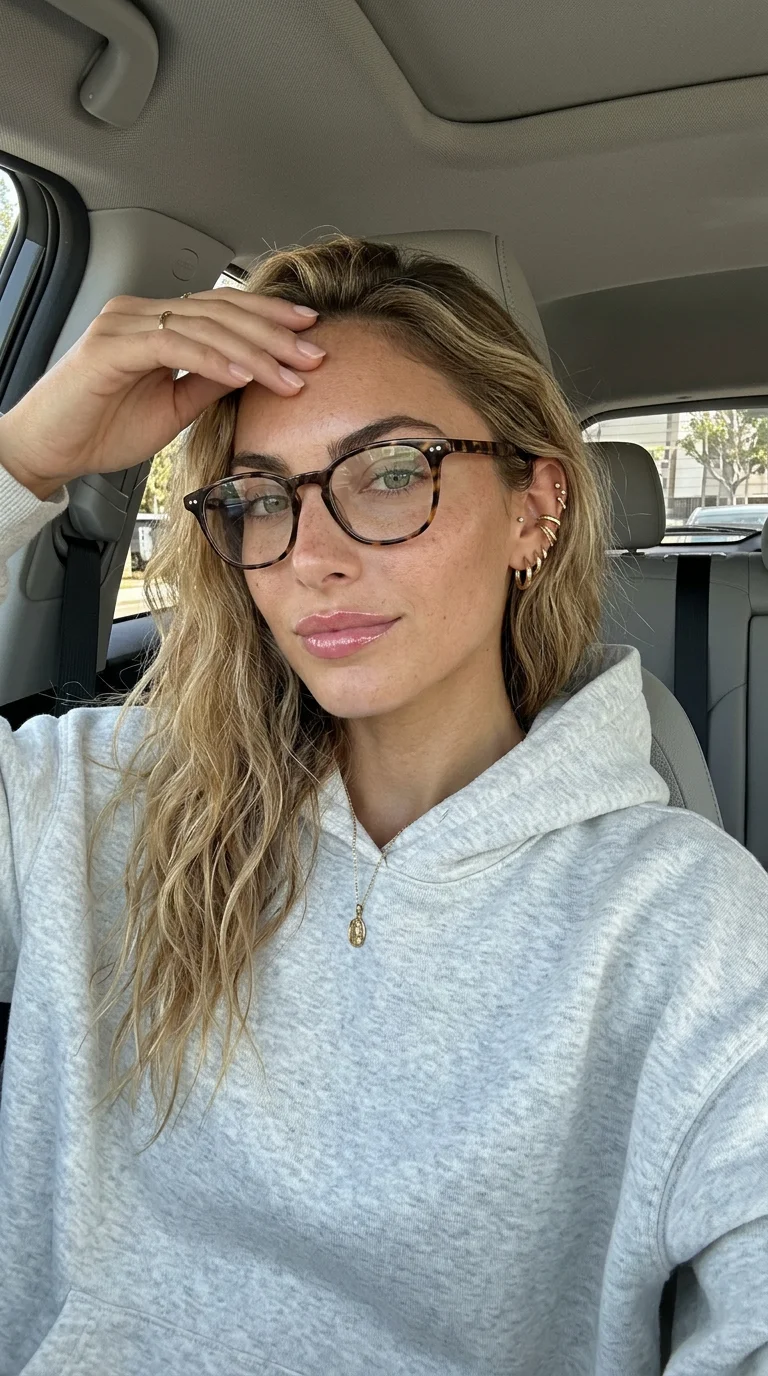
Template 3 · Library preview
A quiet car selfie
Check the glasses, reflected light and the hand resting near the forehead.
Use this template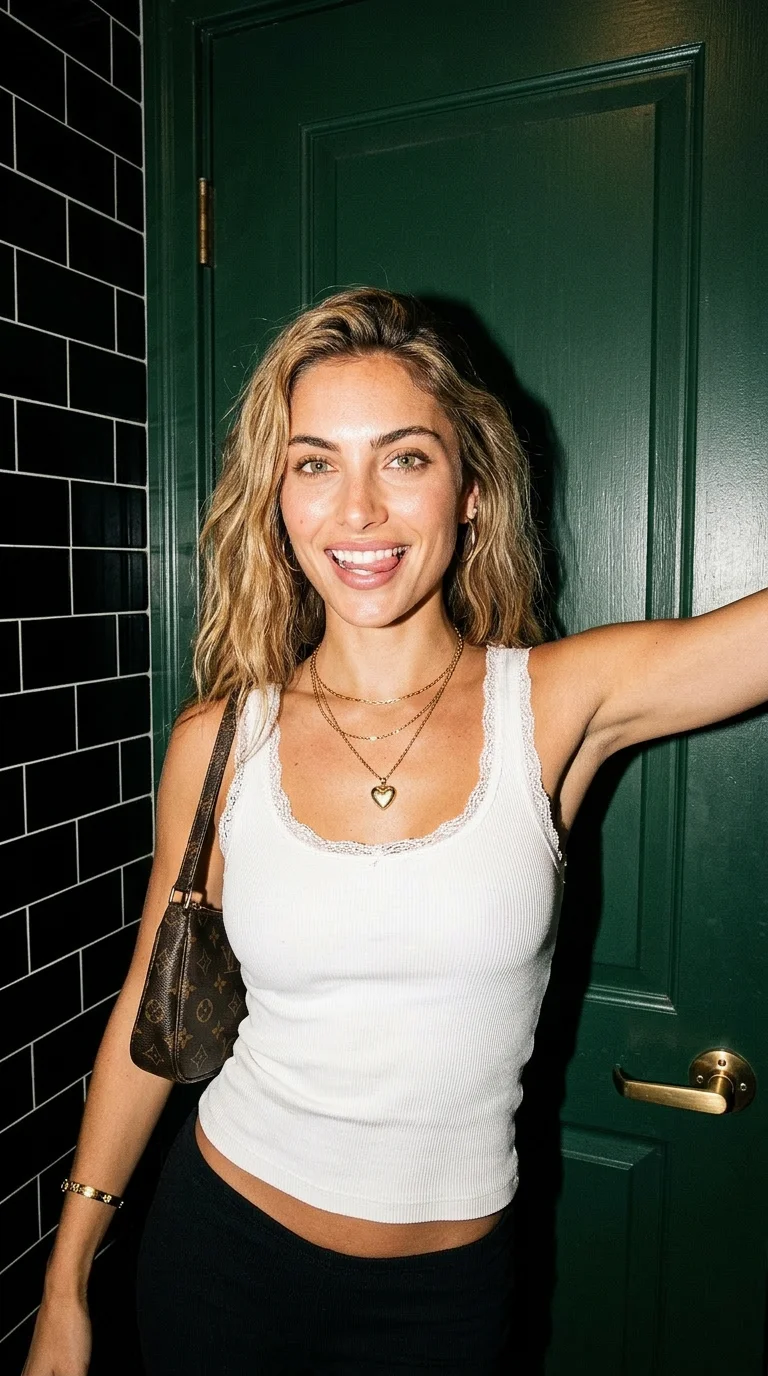
Template 4 · Library preview
Direct flash at the door
Inspect skin detail and the hand outside the frame. Check that the flash light reaches nearby surfaces too.
Use this template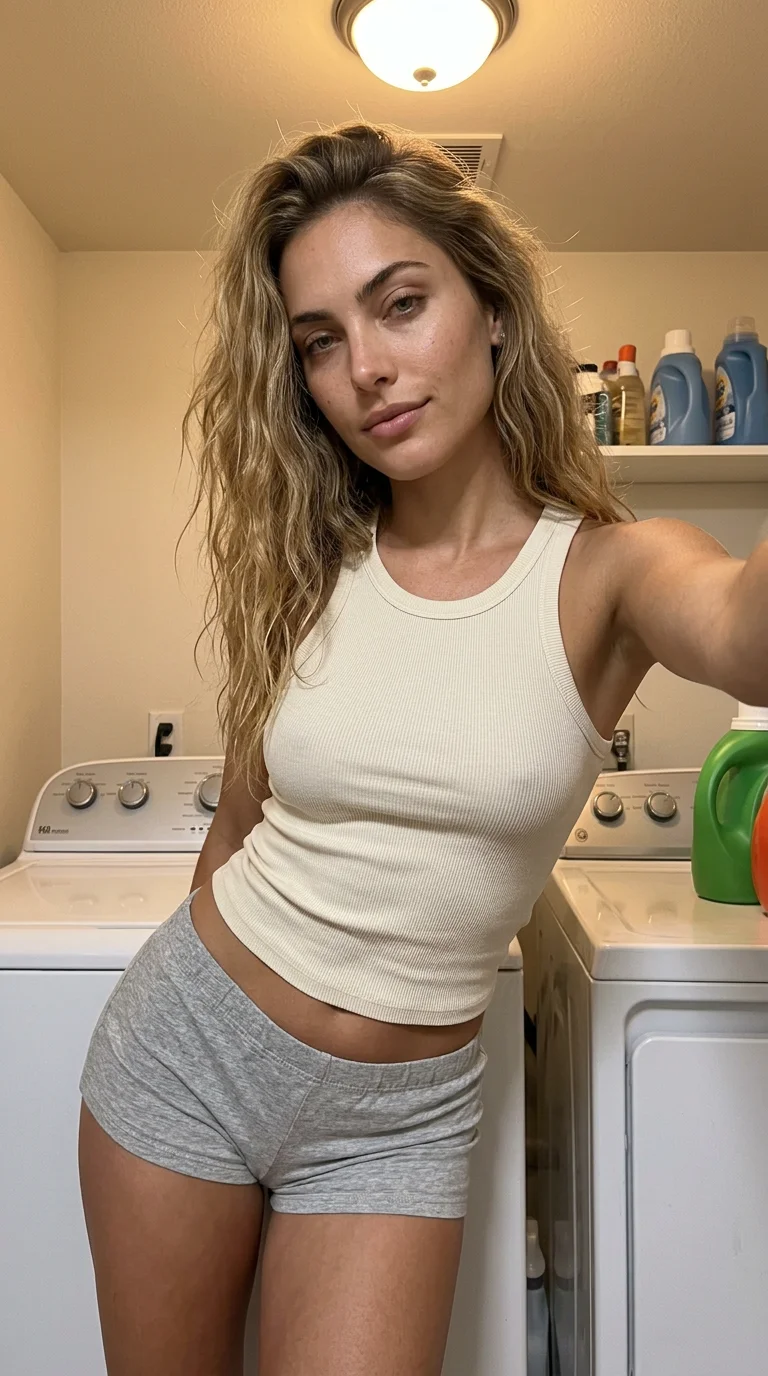
Template 5 · Library preview
A laundry-room snapshot
Look at the appliance edges, background perspective and cropped arm.
Use this template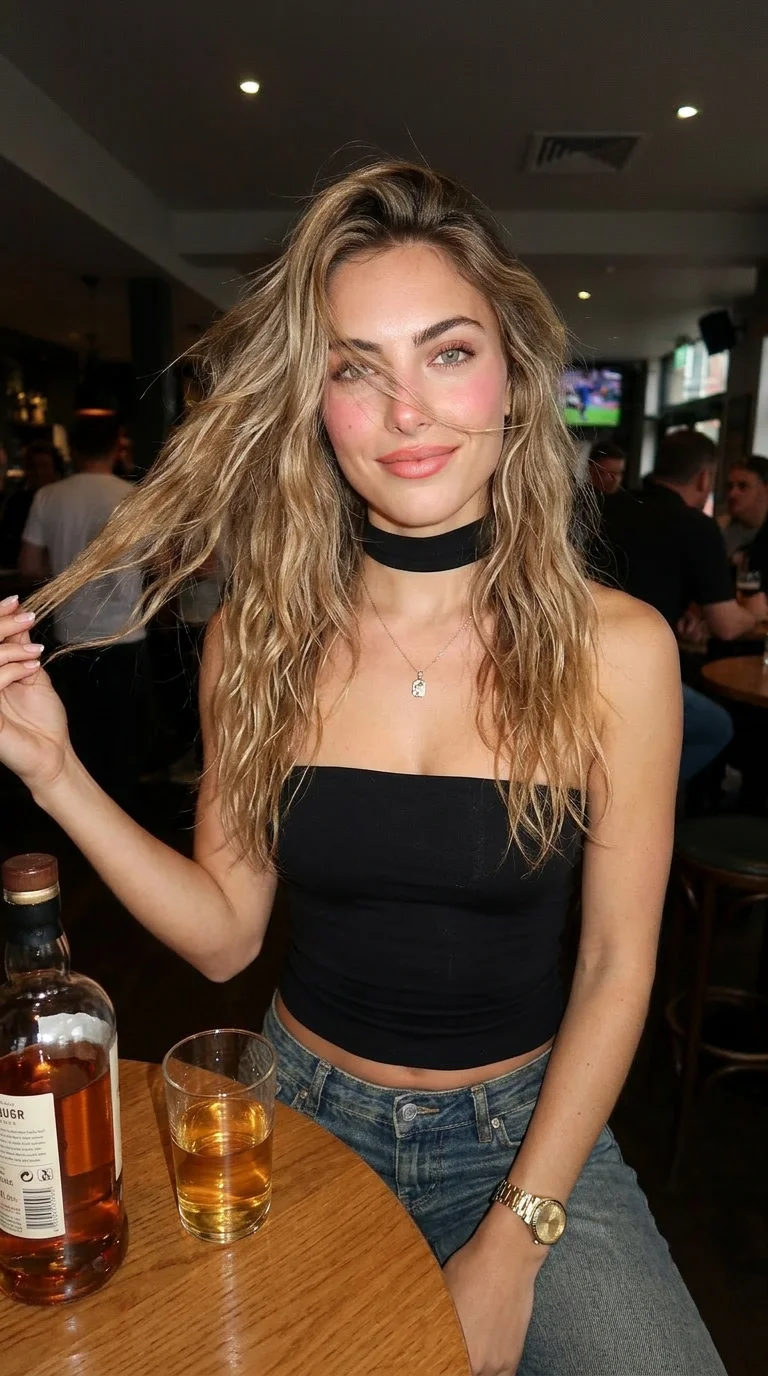
Template 6 · Library preview
An evening at the bar
Check the glass rim, hand position and background faces before using your result.
Use this templateSee the full nine-post plan for a suggested sequence using more scenes.
04 / Choose what to keep
Check the small details at full size.
A thumbnail can hide a broken reflection or a hand that does not meet the object it holds. Open the full image. Compare the face with your saved character, then inspect the parts of the scene that touch each other.
For a car selfie, look at the glasses and fingers near the forehead. For a mirror selfie, check which hand holds the phone and whether the reflection makes sense. In a room, inspect furniture edges and the way light falls on nearby surfaces.
- Reject a changed face even if the setting looks good.
- Check skin detail without expecting every surface to be equally sharp.
- Review a few images together for changes in proportions or hair length.
- Count rejected images and retries when you plan the next batch.
Once a few scenes work with the same character, plan the next set. The Instagram worksheet gives each photo a job without assuming you have already published or measured it.
Before you start
Questions that come up
What do I need to create an AI influencer?
Start with a fictional adult character or references you have permission to use. Save the identity, choose a template and compare the generated image with your reference.
Are these images a test of the same character?
No. They are existing previews from the Aifluencer template library. They illustrate separate scene choices and are not a matched character-consistency test.
How much will my images cost?
Check the current credit charge in the app before you generate. Include retries and persona creation when you plan your budget. The template previews here do not establish a per-image cost.
Does selecting a template publish a post?
No. Choose your character and review the output before using it. This guide covers a still-photo workflow, not automatic Instagram publishing.
Make one image. Check it. Then make the next.
The first useful result is a character you can recognize again. Start there.
Create your character