 Aifluencer.app
Choose by the job
Compare the workflow before the sales pitch.
Aifluencer is our product. The examples on this page are existing previews from our template library. For the other tools, we checked the official pages linked below on November 3, 2026. We have not run a matching test across all four, so this is a sourced workflow comparison, not a quality leaderboard.
| Tool | What to use it for | Input and output | What we verified |
|---|---|---|---|
| Aifluencer | A saved character for a series of still photos. | A saved character and a selected photo template. A still-photo workflow with a scene library. | Current library availability checked November 3, 2026. The gallery shows template previews, not a same-character or cross-tool benchmark. |
| Higgsfield | An influencer image followed by a motion-driven video workflow. | Its official page describes creating a character, then choosing a motion or uploading a video. The page describes downloadable video. | Official product page checked November 3, 2026. We have not run our photo brief through it. Its motion workflow answers a different job. |
| OpenArt | Character creation across image and video workflows. | Its official page provides image-reference input and describes reusing a character. The page describes images and videos with different models. | Official product page checked November 3, 2026. We have not measured its identity retention, retry rate or output cost. |
| Fotor | An influencer workflow inside a broader image and video editor. | Its official page describes text prompts or an uploaded image. The page describes photos and video, including an audio option. | Official product page checked November 3, 2026. The page advertises free use. Check the current allowance, exports and terms before relying on it. |
If you need still photos of the same character
Start with the reference workflow. Can you reuse the same identity without rebuilding the person for every shot? Do the face and proportions hold when the camera moves? The Aifluencer library previews show scene choices you can try with your own character. OpenArt also documents reusable characters, but we have not compared the results.
If you need a character to move or speak
Look at the video workflow directly. Higgsfield documents motion selection and uploaded motion references. Fotor documents video with generated audio. Test your actual movement or speech brief, rather than treating a convincing still portrait as proof that a tool will make a convincing video.
If you are choosing by price
Open each tool's current plan and export details. Count the attempts you need, not just the first generation. Check resolution, watermarks, download access and usage terms. We have not verified a like-for-like cost comparison, and there is no supported cheapest-tool claim here.
Browse the photo scenes
Templates to try with your own character.
The current library includes mirror selfies, casual indoor scenes, direct flash and car photos. The previews below illustrate separate scenes. Use them to choose a scene, then generate and review your own character in the app.
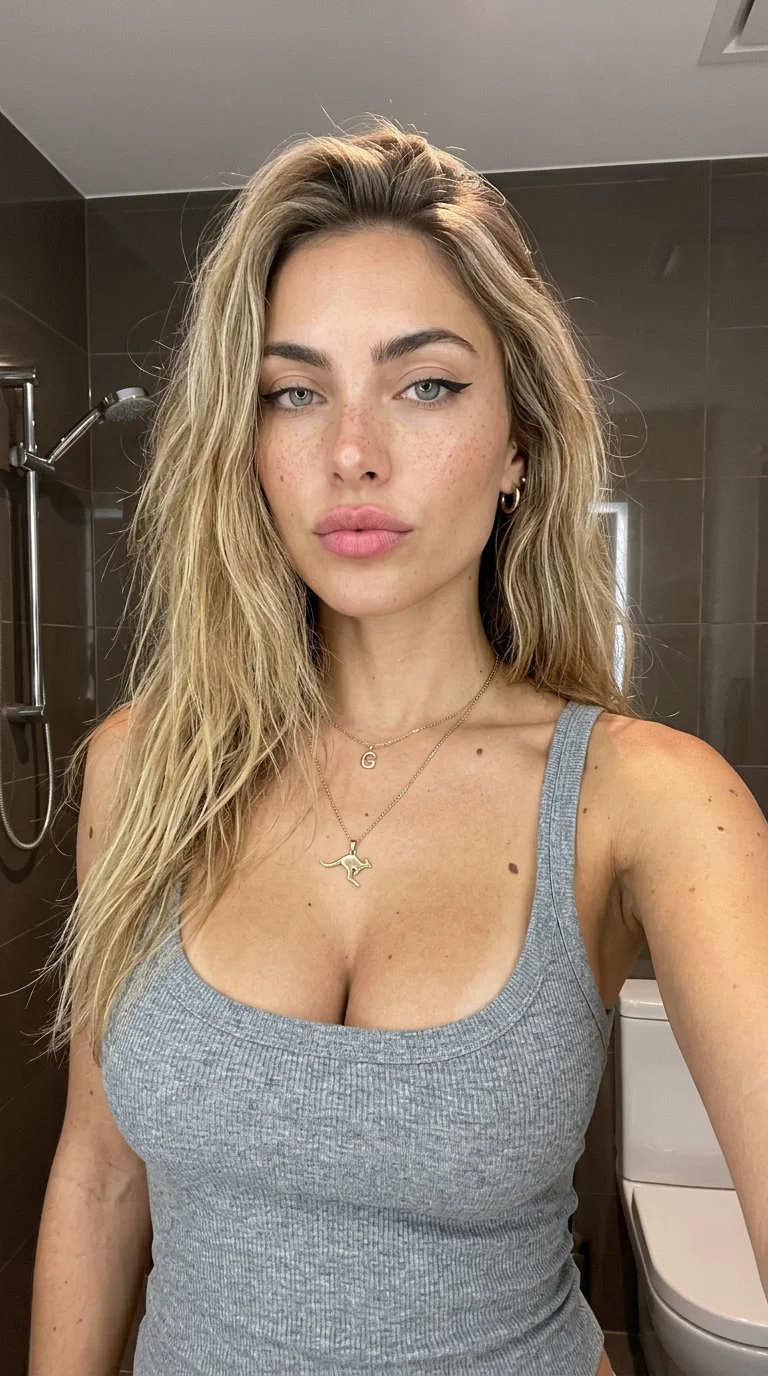
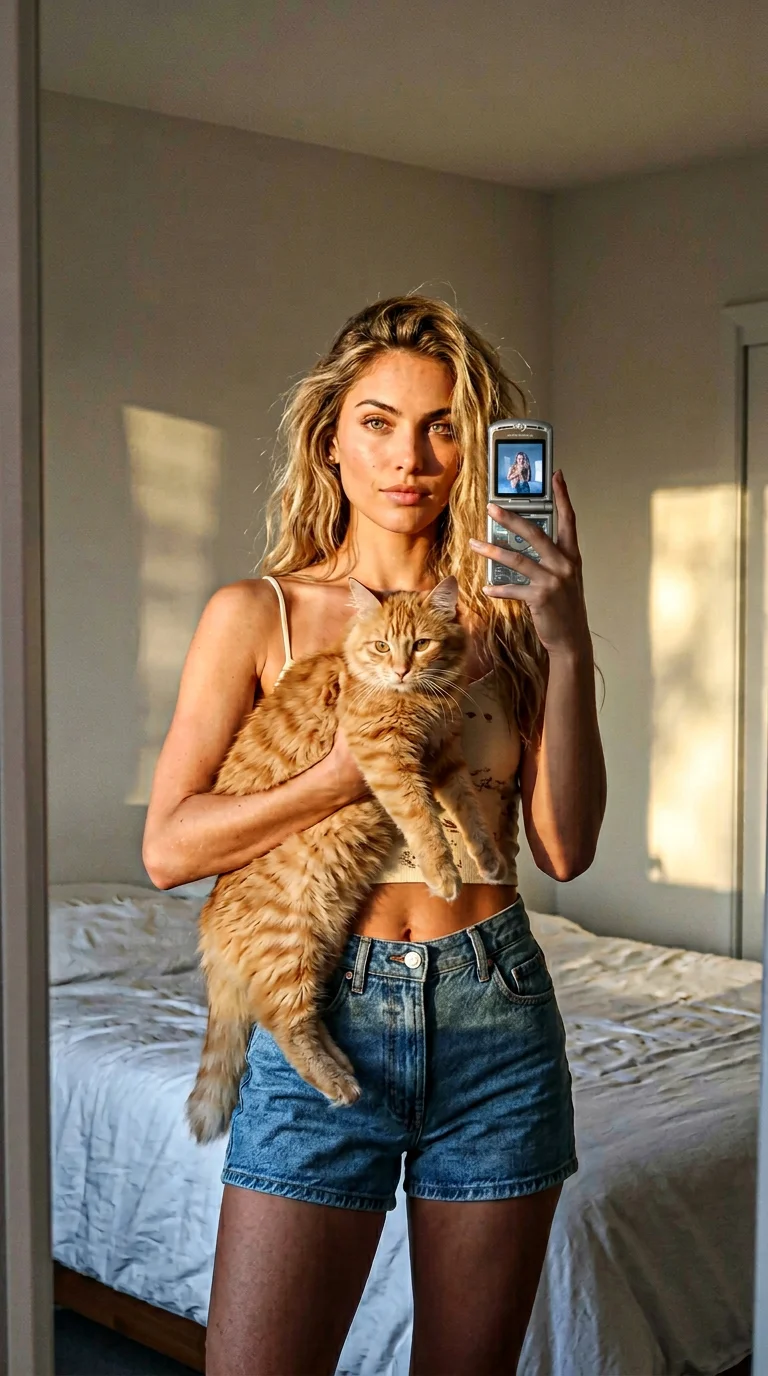
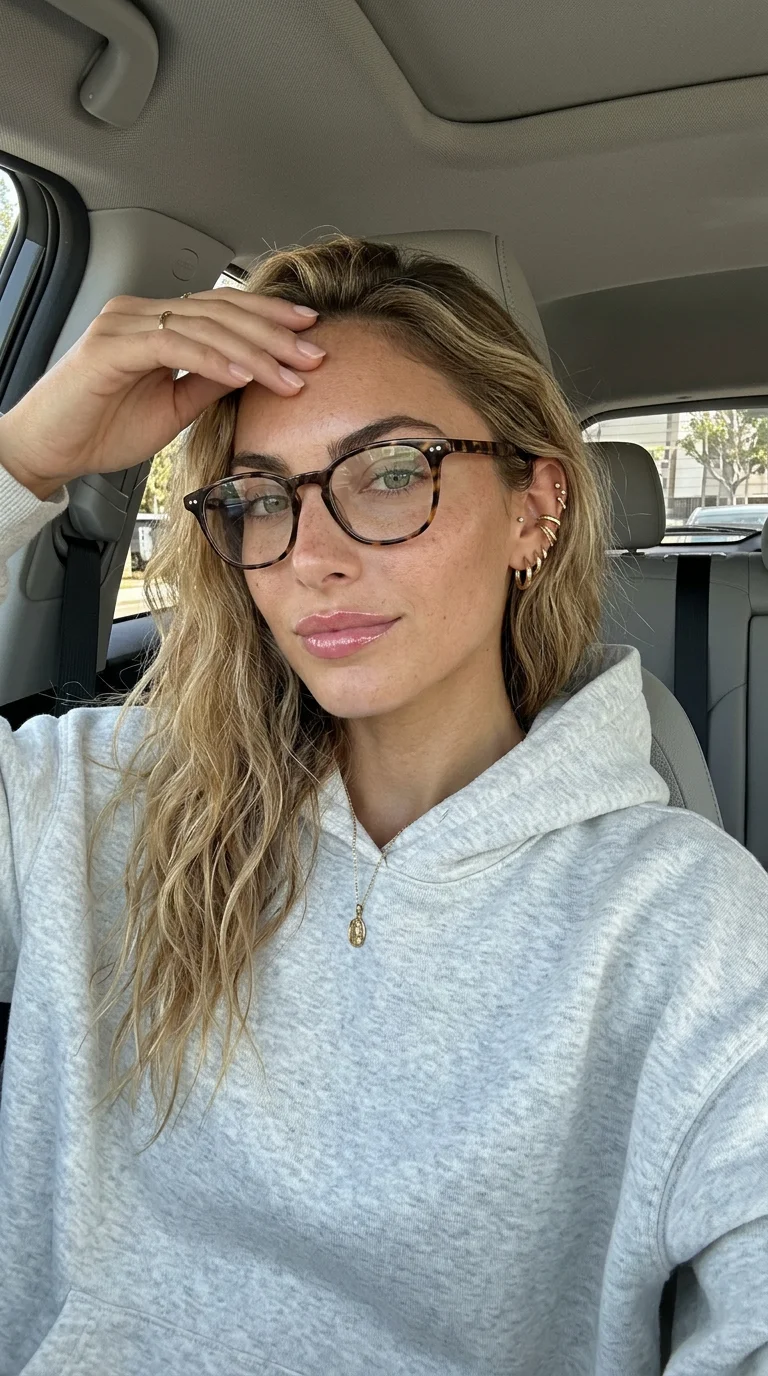
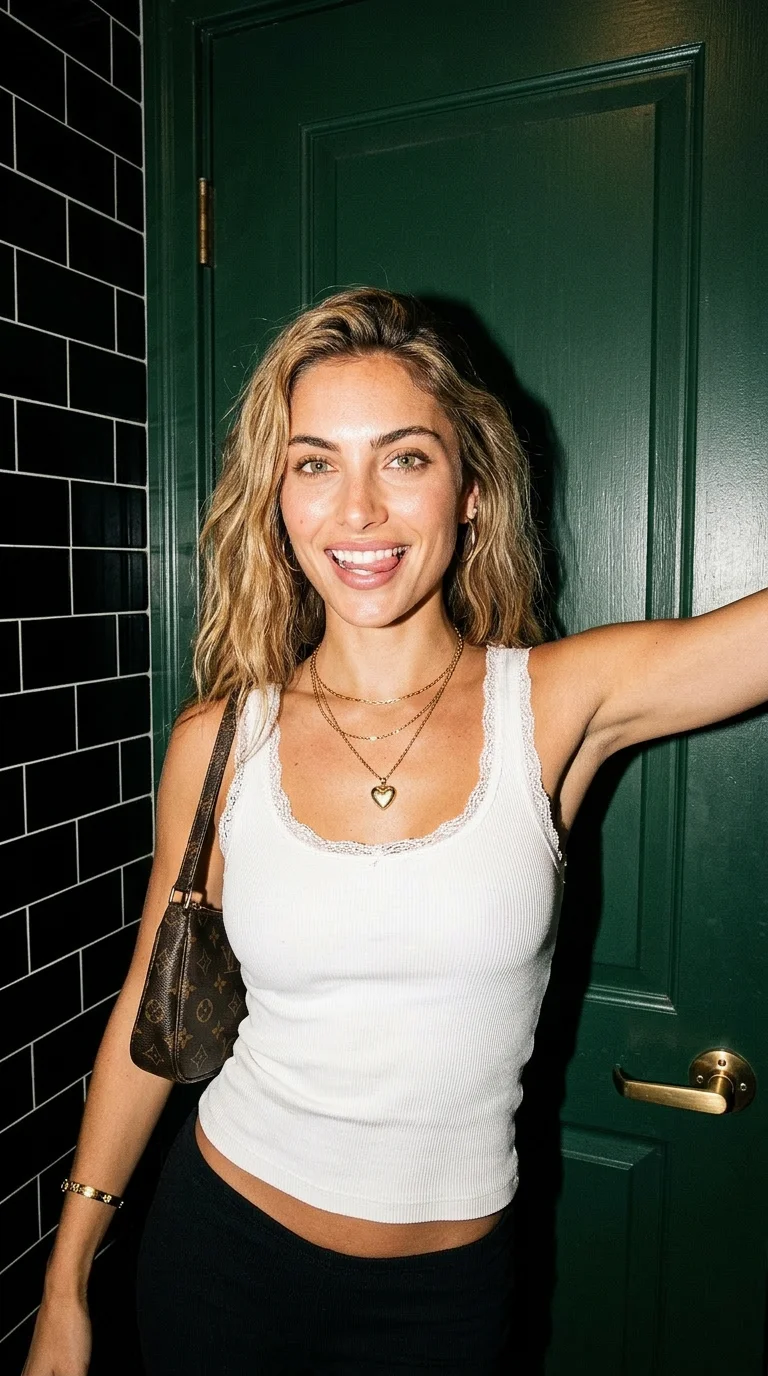
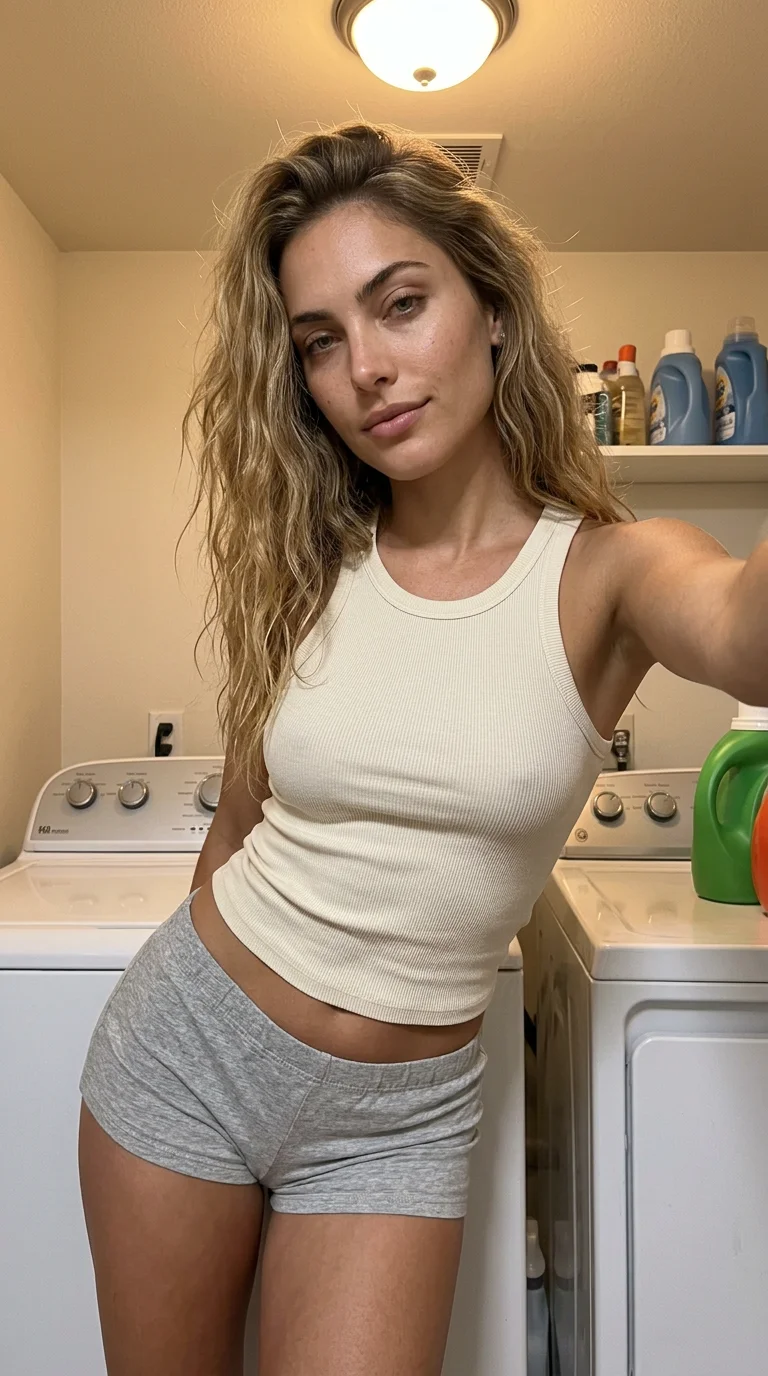
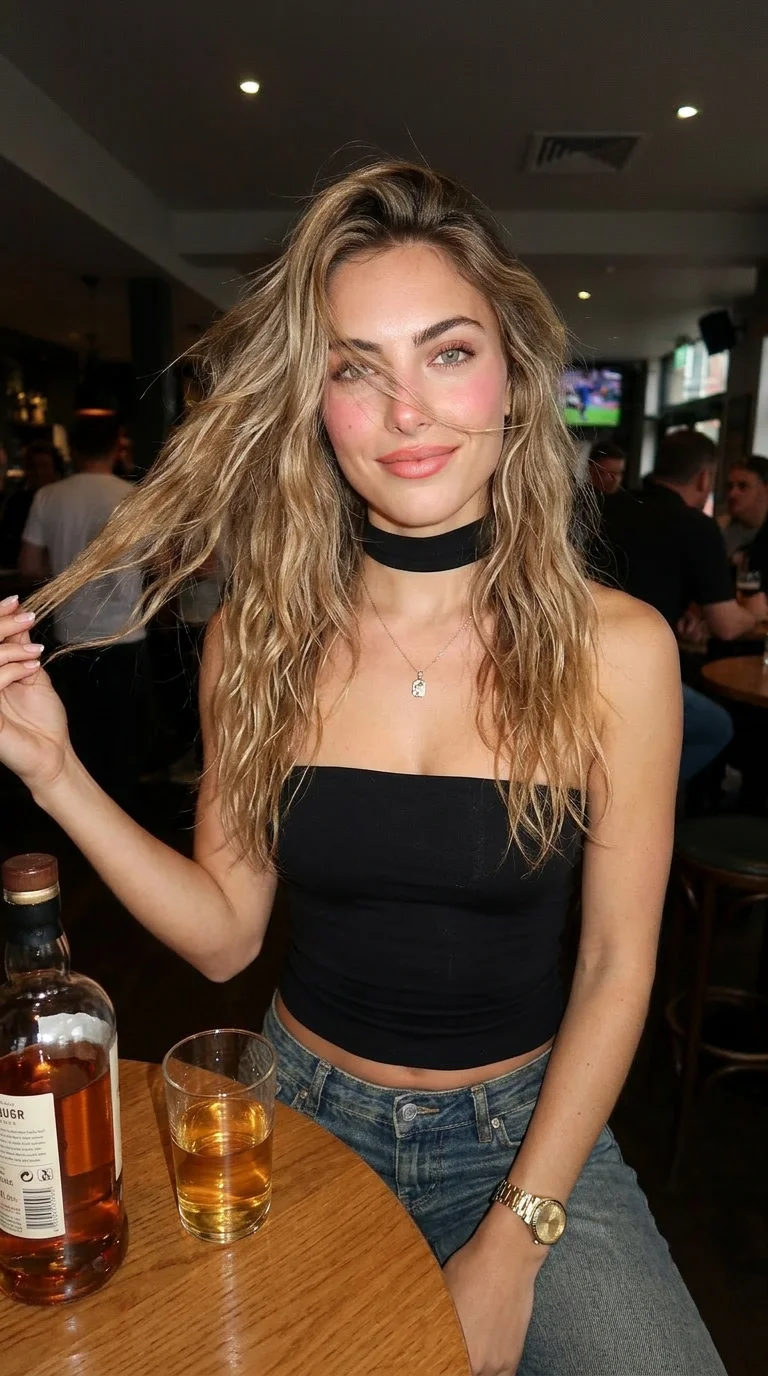
A scene preview does not establish identity retention, output quality or cost for a new generation. Use the template workflow guide to choose a scene and review the result.
Browse photo templatesTry the task you need
A small comparison you can repeat.
Use a character reference you have permission to upload to every tool you test. Keep the scene briefs fixed. Where a tool uses a different setup, record that difference instead of pretending the inputs were identical.
Make five views
Ask for a front-facing portrait, a side profile, an indoor seated shot, an outdoor full-body shot and a hand holding a plain mug. Keep the clothing and reference identity fixed for this test.
Keep every attempt
Save the original output, model, resolution, scene choice, attempt count and charge. Include failed requests and unusable results in the comparison.
Judge the same details
Compare eye shape, jawline, hair length and body proportions. Inspect the mug grip and the seated pose. Write down why you rejected an image before trying again.
Compare usable results
Divide the total charge by the images you would actually use. Keep still-photo and video costs separate. A tool can suit one task and be a poor choice for the other.
Checked November 3, 2026
Read the official descriptions.
- Higgsfield AI Influencer. Character creation and motion workflow.
- OpenArt AI Influencer Generator. Image references and character use across image and video workflows.
- Fotor AI Influencer Generator. Prompt and image input, video and audio descriptions.
- Aifluencer template library. Availability and previews checked in the current catalog.
Vendor descriptions can change. They are evidence of what a vendor documents, not independent proof of its output quality. Review the current product and terms before subscribing.
Before you start
Questions that come up
Which AI influencer generator is best?
Choose by the output you need. This guide compares documented workflows and shows existing Aifluencer template previews. It does not establish a cross-tool quality winner.
Did you test every tool with the same inputs?
No. The competitor descriptions come from official product pages checked on November 3, 2026. The Aifluencer gallery shows current library previews, not results from a matching benchmark.
Is a free AI influencer generator enough?
Check the current allowance, output resolution, watermark, export and usage terms. A free preview does not establish the cost of producing a usable series.
How should I compare consistency?
Use references you can use across the tools. Compare frontal, profile, indoor, outdoor and full-body scenes. Count rejected images as well as accepted ones, and compare facial features and body proportions.
Make one image. Check it. Then make the next.
The first useful result is a character you can recognize again. Start there.
Try the photo workflow